
ARgif
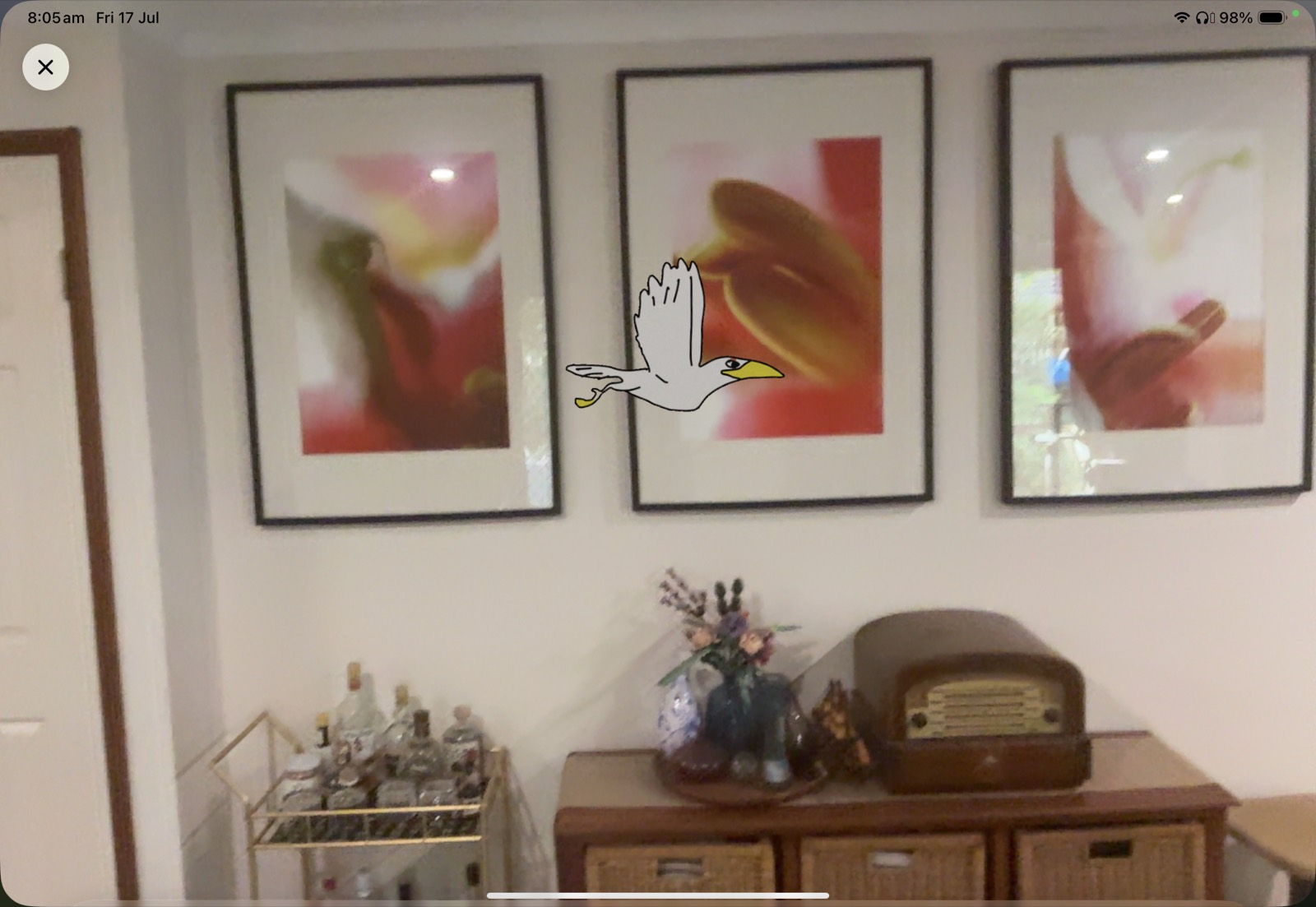
ARgif is a tool educators around the world use to bring student creativity to life in augmented reality. Children animate a drawing in Keynote, export it as a GIF, and ARgif converts it to an animated USDZ in seconds, ready to walk across the classroom floor or fly across the wall. Every frame, the original timing, dimensions and transparent background, preserved exactly.
Technologies
Outcomes
- Used by educators around the world
- Student drawings become animated AR in seconds
- Runs on iPhone, iPad, Mac and Apple Vision Pro
- Private by design: converts on device, no accounts
- Free on the App Store
01 · Challenge
AR was still out of reach for classrooms.
Augmented reality is magic for young learners, but making your own AR content meant 3D modelling software, file formats nobody had heard of, and a workflow far beyond a busy teacher with 28 kids and 40 minutes.
Meanwhile every classroom already had the raw material: children's drawings and animations, made in tools they already knew. The gap wasn't creativity. It was the pipeline.
02 · Concept
Drop a GIF. Get AR.
ARgif does exactly one thing, and does it in seconds. A student animates their drawing in Keynote, exports a GIF, and drops it into ARgif. Out comes an animated USDZ they can place on the floor or hang on the wall in AR.
No accounts. No subscriptions. No 3D expertise. The whole tool is designed to disappear so the child's artwork is the star.
03 · Design Process
Designed for a busy classroom.
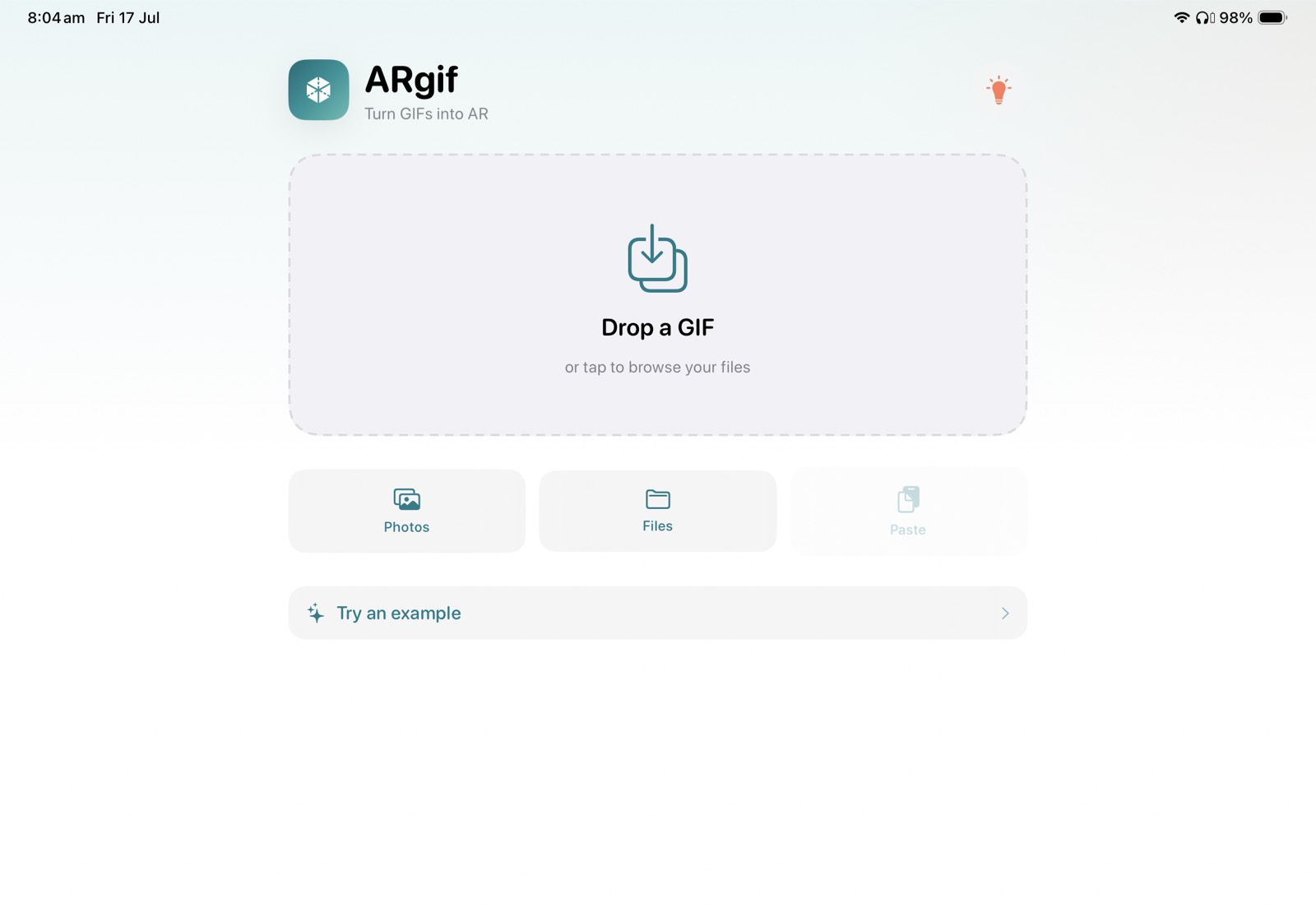
Every decision was tested against one question: can a teacher explain this in a single sentence? That's why the home screen is a drop zone and a "Try an example" button, and why conversion is instant rather than a progress bar.
Fidelity mattered just as much. ARgif keeps every frame, the original timing, the exact dimensions and the transparent background, so what appears in AR is unmistakably the child's own drawing, not an approximation of it.
04 · Technical Development
On device, across the ecosystem.
Built in SwiftUI, ARgif decodes each GIF frame and assembles an animated USDZ locally on the device. Nothing is uploaded, no data is collected. The result drops straight into AR Quick Look, Keynote, Pages or Reality Composer.
It runs on iPhone, iPad, Mac and Apple Vision Pro, so it fits whatever hardware a school already has. Version 2 added image export, picture-frame options and the choice of anchoring to a wall or the ground.
05 · Outcome
A tool educators actually love.
ARgif is used by educators around the world to turn student artwork into augmented reality. The best feedback isn't about the software at all. It's teachers describing the moment a child sees their own drawing walk across the classroom floor.
06 · Reflection
Build the missing step.
ARgif is small on purpose. It doesn't try to be a creative suite; it removes the one step that was blocking everything else. That's the kind of tool we want Hazelbrick Studio to keep making: quiet, focused software that hands the magic back to the student.
Gallery
Next project
New Worlds, Connected Characters